Where your skills go to work
Your dashboard is home base on Roumora. Every skill you've added is one click away, and the chat is built right in - pick a skill, ask your question, and the AI answers the way that expert would.
Here's what you land on
An example of the dashboard with a few skills in your library.
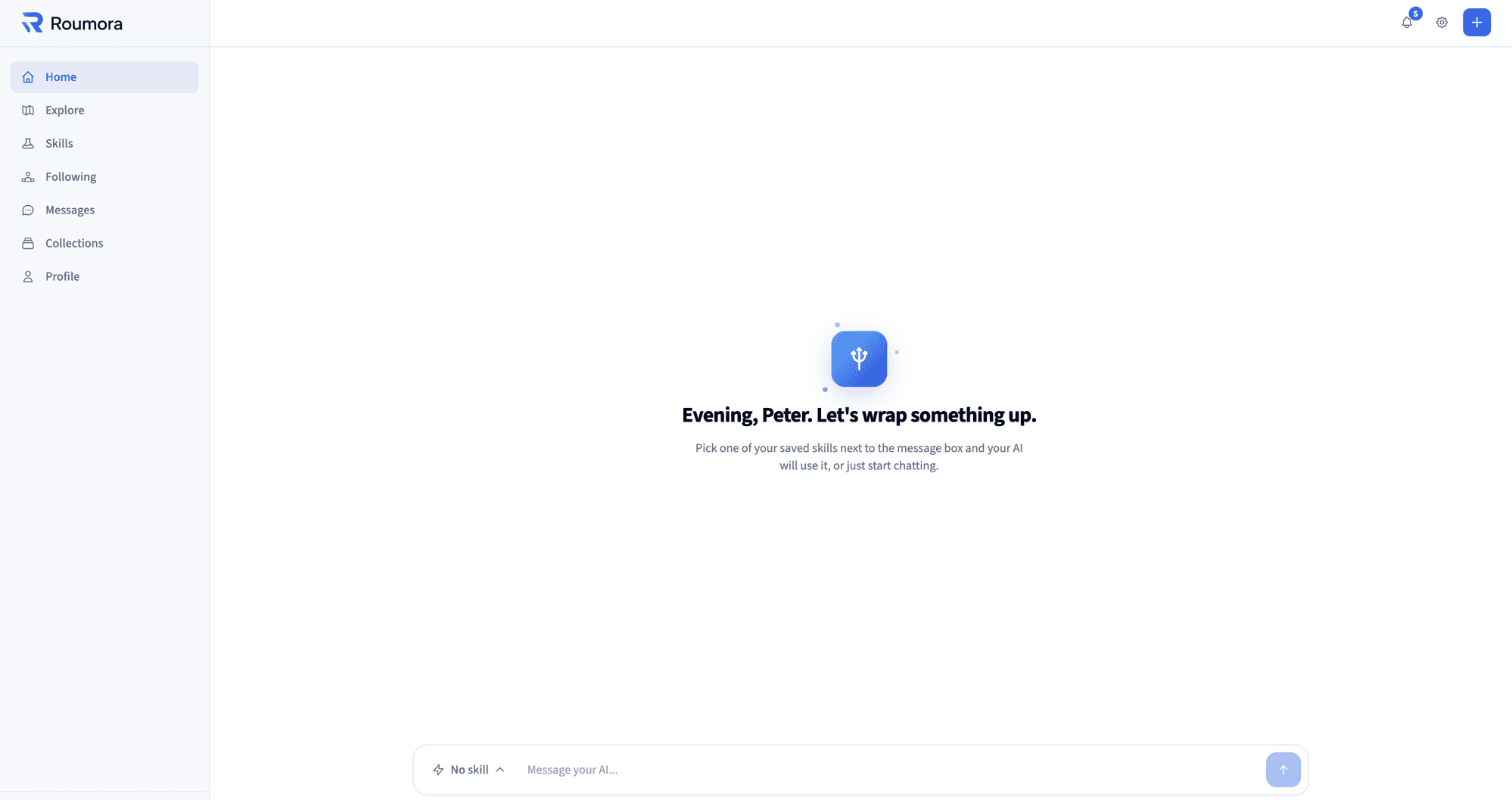
Pick a saved skill next to the message box and your AI uses it - or just start chatting.
Everything in one place
The dashboard keeps the whole loop - find, add, chat - inside Roumora.
Your library, one click away
Every skill you've added shows up as an option right above the chat. Switch from meal planning to resume review without leaving the page.
Chat that knows the job
Pick a skill and just ask. The AI follows that creator's instructions from the first message - no setup, no explaining, no prompts to paste.
Nothing to install
The AI runs inside the platform. Add a skill on the marketplace and it's ready in your dashboard the moment you land there.
Your library, organized
Everything you have added sits in one place, grouped into collections you name. Every skill on Roumora is free, so nothing in your library is ever locked.
See yours with real skills in it
Create a free account, add a skill or two from the marketplace, and your dashboard is ready.